
A little guidance. More room to edit.
Practical answers for working with a flat image.
Client work
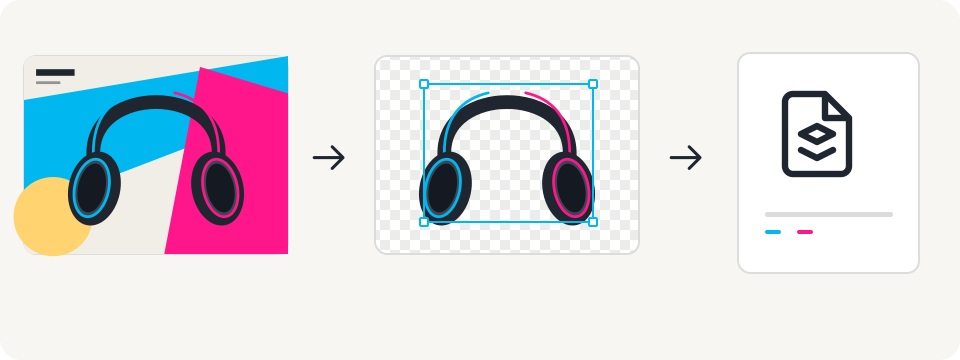
Your client sent a JPG. How do you change one object?
Choose between asking for the source, isolating pixels, and creating new layers.
Read guide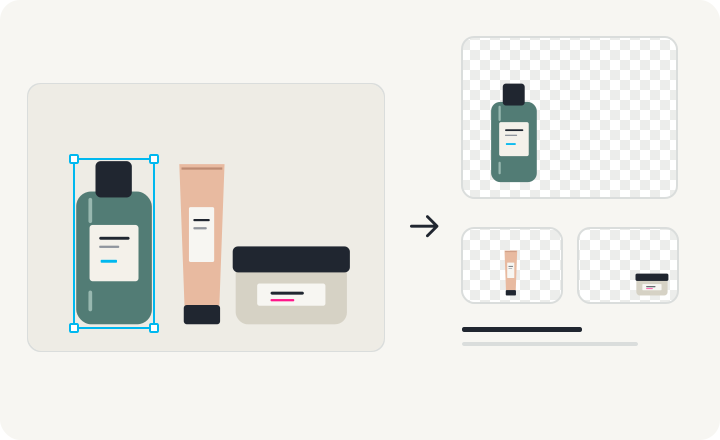
Separating objects
Separate several objects into individual layers
When to ungroup, use a mask, or generate layers, and what to check before export.
Read guide
Exporting
PSD, PNG ZIP, or a single PNG?
Choose the export format for your next editing step.
Read guide
File formats
Image Formats That Support Layers: PSD, TIFF, XCF
Compare flat formats like JPG and PNG with layered formats like PSD, TIFF, XCF, ORA, and OpenEXR.
Read guide
Photoshop workflow
Convert an Image to a Layer Mask in Photoshop
Paste any grayscale or black-and-white graphic directly into a Photoshop layer mask channel.
Read guide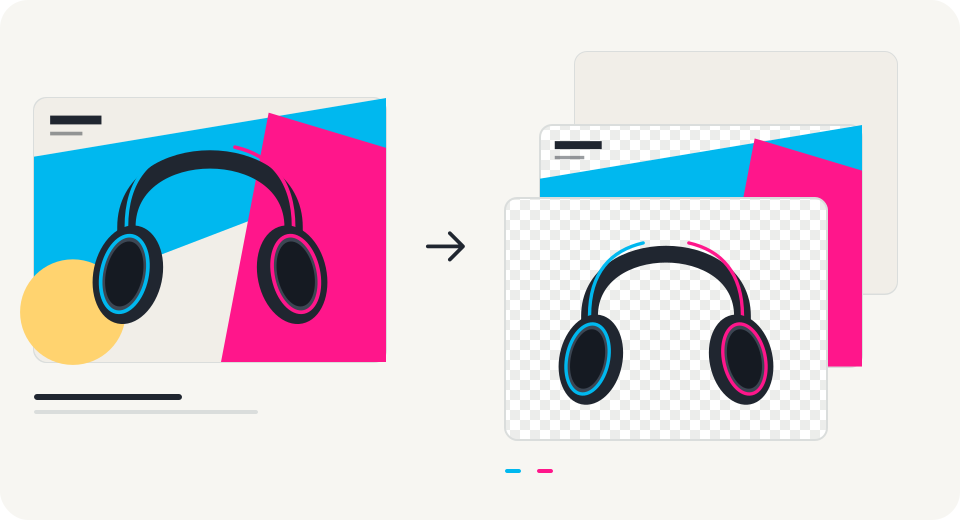
Photoshop workflow
Make a Selection a Separate Layer in Photoshop
Use Layer Via Copy, Layer Via Cut, or a mask in Photoshop—and handle what sits behind the cutout.
Read guide