
Separate several objects into individual layers
To keep an object’s visible appearance, isolate it with a mask and place those source pixels on their own layer. To reveal content that an object covered, you need reconstruction. These are different tasks and produce different results.
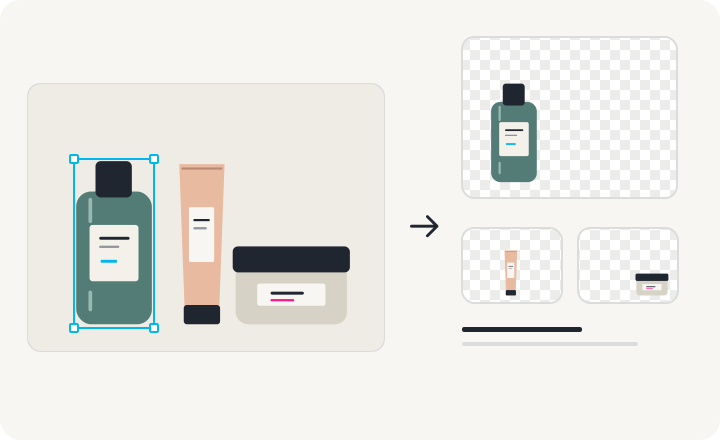
1. Identify the objects you need
Define the edit first: move a bottle, replace one product, or reuse each item in a new layout. Objects that overlap need extra attention because the image does not show their hidden portions.
2. Check the edge and its surroundings
Inspect the object on transparent, light, and dark backgrounds. Look for halos, holes, cropped details, and leftover background. Decide whether its shadow should move with the object or stay with the scene.
3. Export objects independently
In the product demo, the background starts hidden. Select Bottle, Tube, or Jar and choose Download selected PNG. Each file retains the same canvas dimensions so the assets can be aligned again in another editor.
4. Keep a layered master
Export Layered PSD when you want a single document with all objects and the background. The file keeps layer visibility; PNG ZIP contains only visible layers. AI extraction for your own photographs will open after this demo release.