
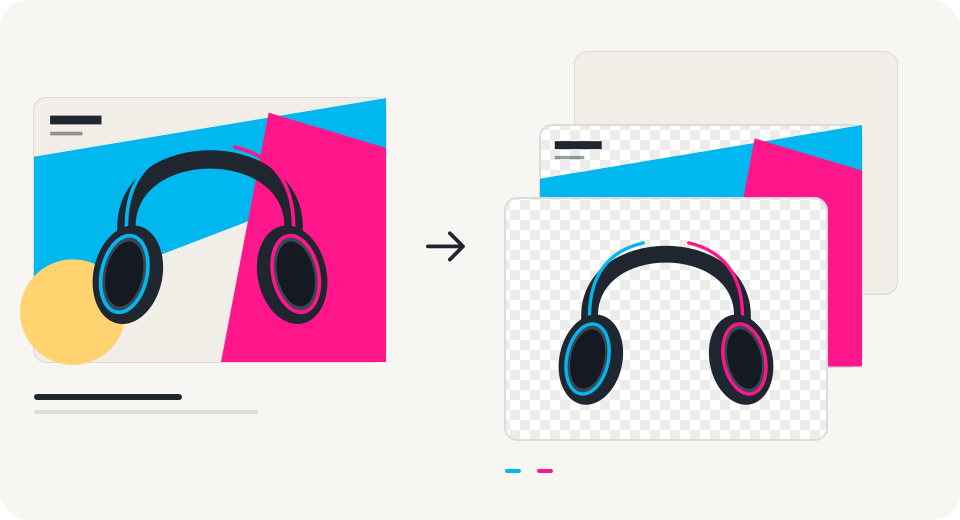
The subject, the shapes, and the background — independently editable.
Separate your image
into layers.
Explore independent layers you can move, hide, and export.
Your image stays in this browser. AI processing opens later.
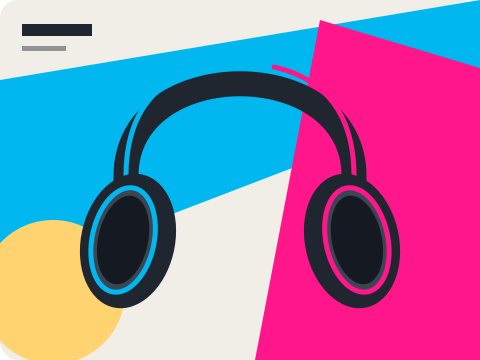
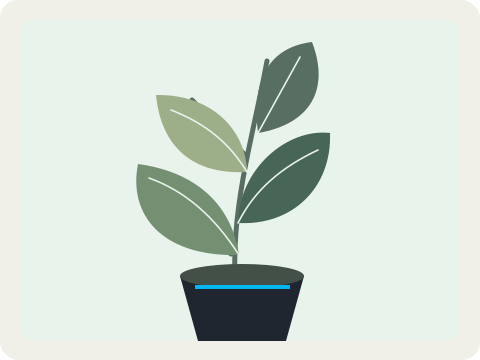
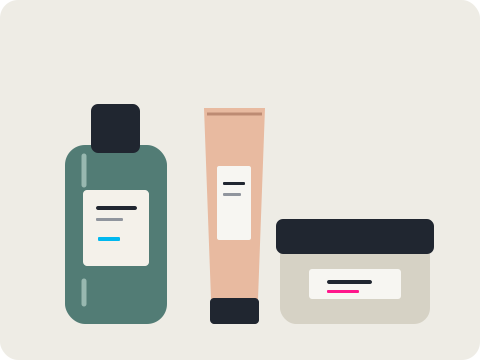
Choose a demo
Three authored illustrations show the editing workflow.
Inspect each layer
Switch backgrounds, move elements, and adjust visibility.
Take it with you
Download a layered PSD or transparent PNG files.
Before you unmerge.
Can I separate my own image right now?
This release lets you save an image locally and explore editable vector demos. AI separation and object extraction for your own images are coming later. No uploaded image is sent to a model.
What is inside the PSD download?
The demos export independent raster layers with their names, stacking order, and visibility. You can move each layer in a PSD editor. Text, shapes, and effects are not restored as native editable design objects.
Does this recover the original Photoshop file?
No. A flat JPG or PNG does not contain its original design layers. AI layer generation and object extraction are ways to create a new layered document from visible pixels; they do not recover the original source file.
How is object extraction different from image separation?
Object extraction isolates a visible object with a mask and keeps its source pixels. Layer generation can create separate elements and fill areas hidden behind them. Those generated pixels may differ from the input.