
From one flat image
to movable layers.
A subject, a shape, a background.
Give each element its own space.
Your image stays in this browser. AI processing opens later.
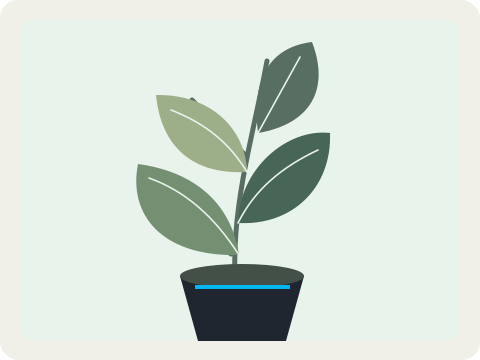
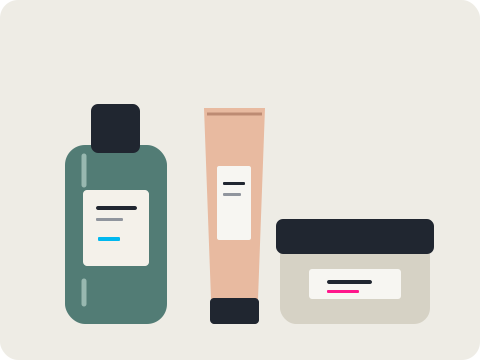
See what a layer can do.
Move the subject. Hide the shapes. Keep the parts you need.
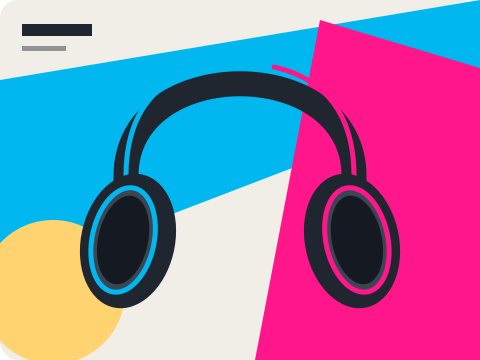 480 × 360 px · vector demo
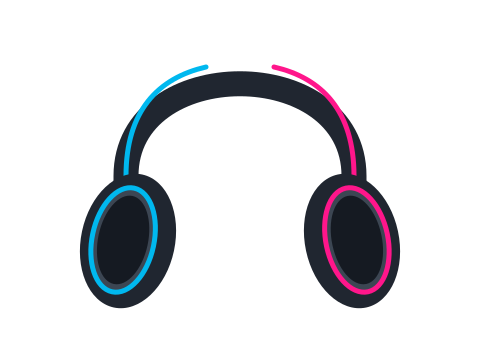 Headphones
Separate the scene.
Or take just the object.
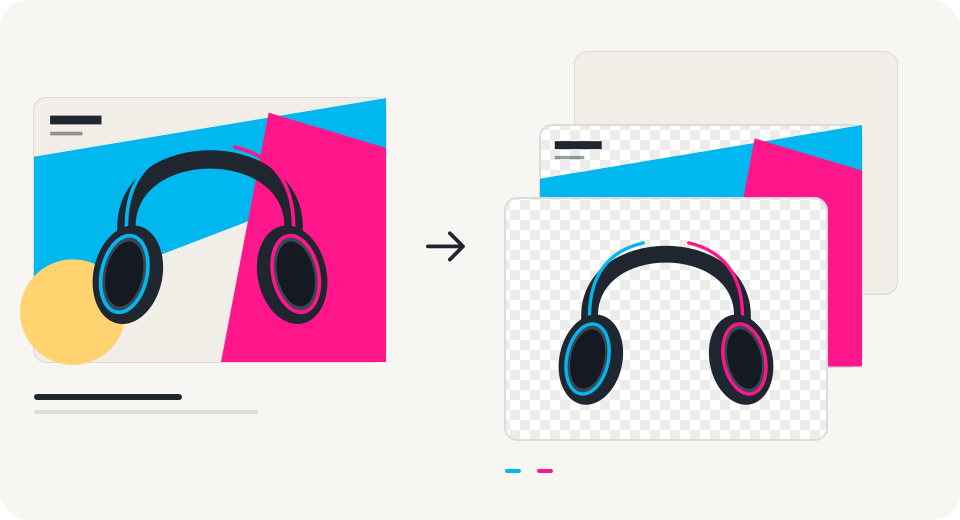
Image to layers
Create a new document with separate elements. Generated pixels may differ from the original.
Explore layers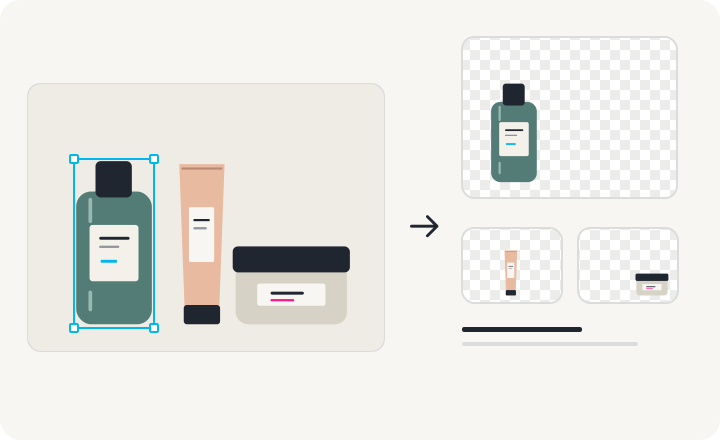
Object extraction
Isolate visible objects using source pixels and a mask. Download transparent assets individually.
Explore extractionReady for the
rest of your workflow.
One layered document or separate transparent assets.
All demo downloads are free.
Layered PSD
Keep every layer together.
PNG ZIP
Take the parts separately.
Composite PNG
Keep the visible result.
Before you unmerge.
Can I separate my own image right now?
This release lets you save an image locally and explore editable vector demos. AI separation and object extraction for your own images are coming later. No uploaded image is sent to a model.
What is inside the PSD download?
The demos export independent raster layers with their names, stacking order, and visibility. You can move each layer in a PSD editor. Text, shapes, and effects are not restored as native editable design objects.
Does this recover the original Photoshop file?
No. A flat JPG or PNG does not contain its original design layers. AI layer generation and object extraction are ways to create a new layered document from visible pixels; they do not recover the original source file.
How is object extraction different from image separation?
Object extraction isolates a visible object with a mask and keeps its source pixels. Layer generation can create separate elements and fill areas hidden behind them. Those generated pixels may differ from the input.
What size are the demo downloads?
All three vector demos export at 480 × 360 pixels. Your own images can be saved locally up to 10 MB and 4 megapixels. Model output sizes will be listed when image processing opens.
Are downloads free?
Yes. Demo PNG, PNG ZIP, and layered PSD downloads are free. Payments are not open, and no credits are charged in this release.
Where are my projects stored?
Projects and images are stored in this browser on this device. They are not synced to an account. Deleting a project removes its local record and image; clearing browser data also removes projects.