
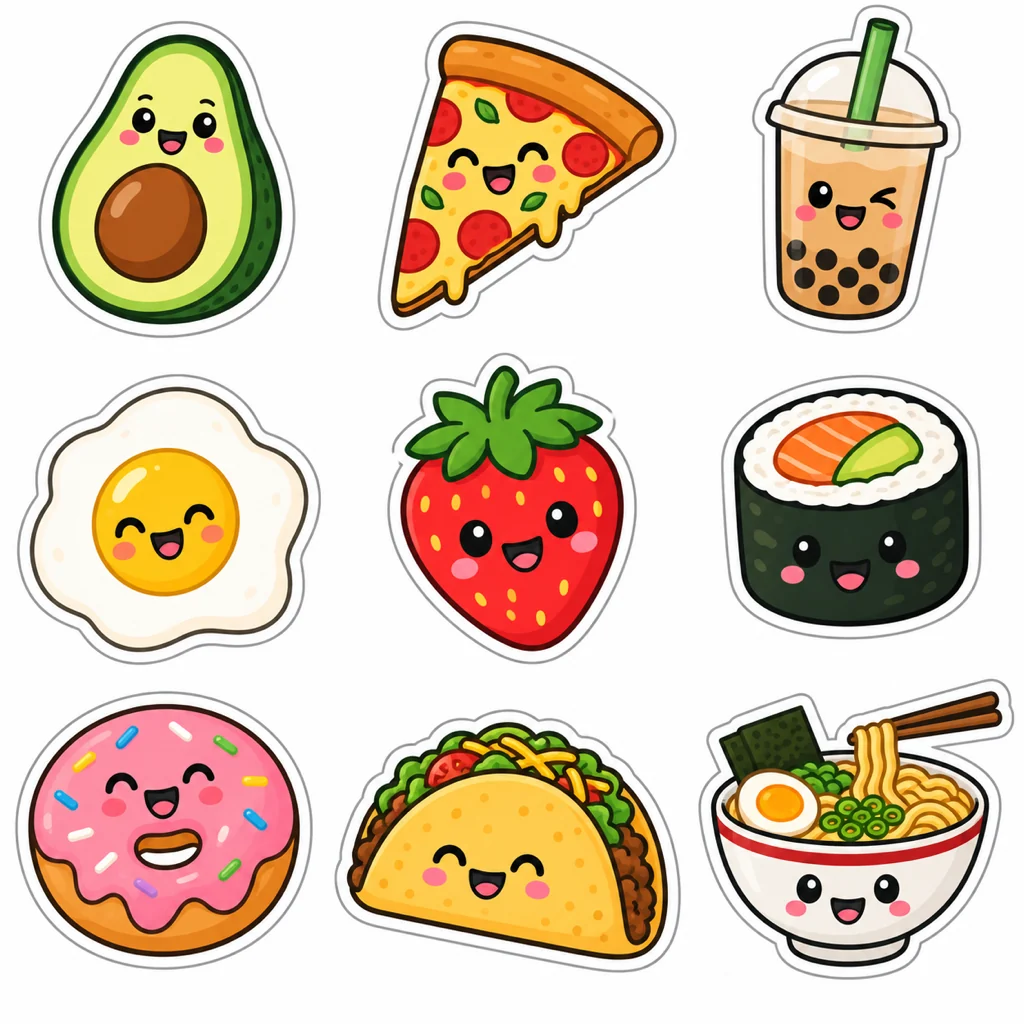
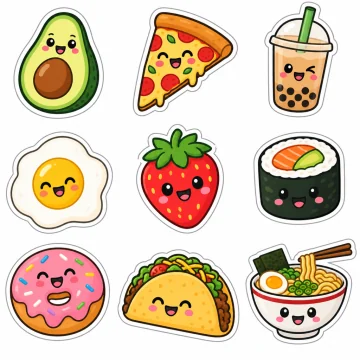
Nine stickers on one sheet came back as nine transparent layers, white borders included.
Extract every element from an image as a PNG
Upload a sheet of stickers, game items or products and get each one back as its own transparent PNG. Download them all in one ZIP, or pick one and download only that.
Your image stays in this browser until you choose to separate it.
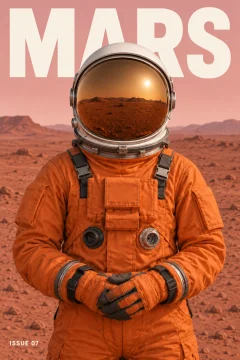
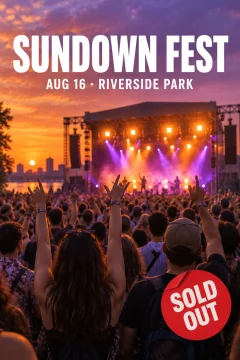
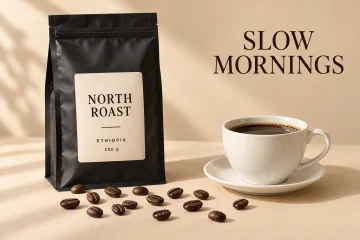
Assets you can reuse
Each element is cut out on its own layer with a transparent background, named and placed where it sat in the image. Download the set as a ZIP of PNGs, select one layer and download only that PNG, or keep them together in a layered PSD.
Ask for small items too
With the description left empty, the main elements are separated. Choose Every object under the description box to ask for small items and each line of text as well, or name the items you want.
What it costs
One image costs $1.90 without an account, with every layer returned, up to 17. With credits you pay one per layer returned, background included, and need 5 to start; the basic pack is $10 for 100. Pack credits never expire, and no subscription is needed. The samples are free: open them, hide or move layers, and download their PSD, PNG ZIP or PNG files.
How it works
Choose an image
A PNG, JPG or WebP up to 10 MB and 4 megapixels. It stays in your browser until you confirm the split.
Separate it
Leave the description empty to split the main elements, or say what you want separated. You are charged for the layers that come back.
Download
Download all elements as a ZIP of transparent PNGs, or select one layer and download only that PNG.
Real results
Each one is the model output for a flat image. Open it, hide a layer and download the files for free.
When not to use it
- You have more than 16 items in one image. A split returns at most 17 layers, background included, so very busy sheets come back with some items grouped.
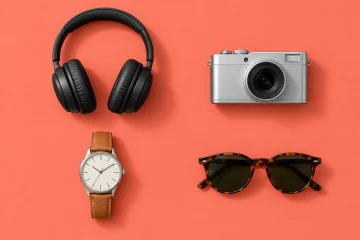
- You need cast shadows. In our tests, shadows under products were not kept.
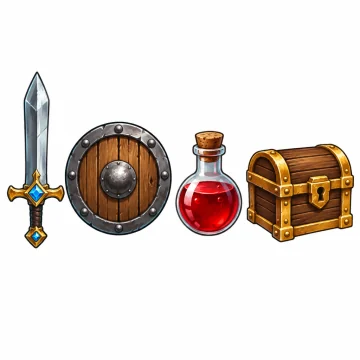
- You need a spotless white background layer. On our game item sheet it kept faint grey marks.
- You need full resolution. Layers come back at about one megapixel, for example 832 × 1248, which can be smaller than your image.
Questions
Can I get each element of an image as a separate PNG?
Yes. Every element comes back as its own transparent layer. Download them all as a PNG ZIP, or select one layer and download it as a single PNG.
Is there a free way to try it?
The samples are free to open and download. Your own image costs $1.90 without an account, or one credit per layer returned with credits.
How many elements can it separate?
Up to 17 layers per image, background included. You are charged only for the layers that come back.
Does it work on sticker sheets and sprite sheets?
Our sticker sheet came back as one layer per sticker with its white border, and our game item sheet as one layer per item.
Updated: October 26, 2026