
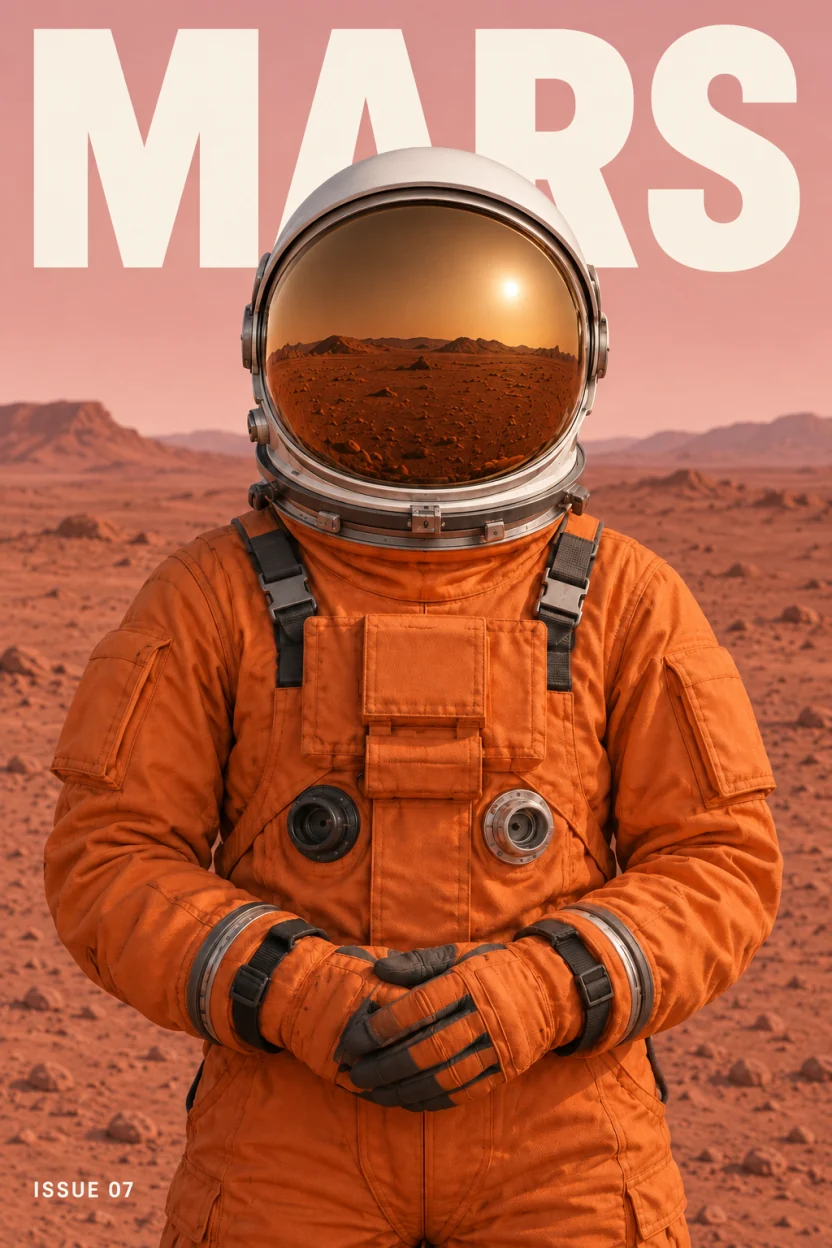
Hide the astronaut and the letters behind the helmet are there: the model filled them in.
Separate the subject from the background and keep both
A background remover keeps the subject and throws the rest away. Unmerge returns the subject and the background as separate layers and fills in the part of the background the subject was covering.
Your image stays in this browser until you choose to separate it.
When you need the background
To move the subject somewhere else in the picture, to swap it for another one, or to use the empty scene as a background plate.
Download only the background
Select the background layer and download it as a single PNG, or download every layer as a PSD or a ZIP of PNGs.
The filled area is drawn by the model
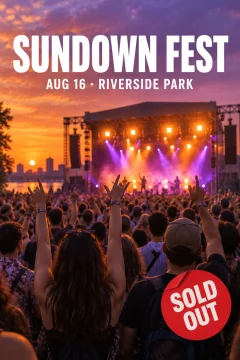
What was behind the subject is not in your file. The model draws something that fits: letters, crowd, ground. It can differ from what was really there.
How it works
Choose an image
A PNG, JPG or WebP up to 10 MB and 4 megapixels. It stays in your browser until you confirm the split.
Separate it
Leave the description empty to split the main elements, or say what you want separated. You are charged for the layers that come back.
Download
Hide the subject to check the background, then download the background as a PNG, or all layers as a PSD or ZIP.
Real results
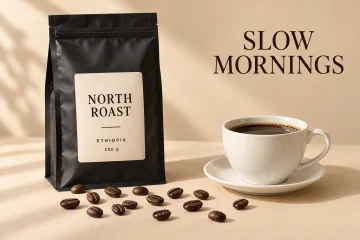
Each one is the model output for a flat image. Open it, hide a layer and download the files for free.

When not to use it
- You need the hidden parts to be exact. Areas behind an element are drawn by the model, so they are plausible rather than recovered.
- The subject fills most of the frame. In our character tests the background layer kept a copy of a large character.
- You need full resolution. Layers come back at about one megapixel, for example 832 × 1248, which can be smaller than your image.
Questions
How do I get only the background of a picture?
Separate the image, select the background layer and download it as a PNG. The area the subject covered is filled in.
Is this a background remover?
It does more: the subject comes out on its own transparent layer, and the background stays as a separate layer with the hidden area filled in.
Is it free?
The samples are free to open and download. Your own image costs $1.90 without an account, or one credit per layer returned with credits.
Updated: October 26, 2026