
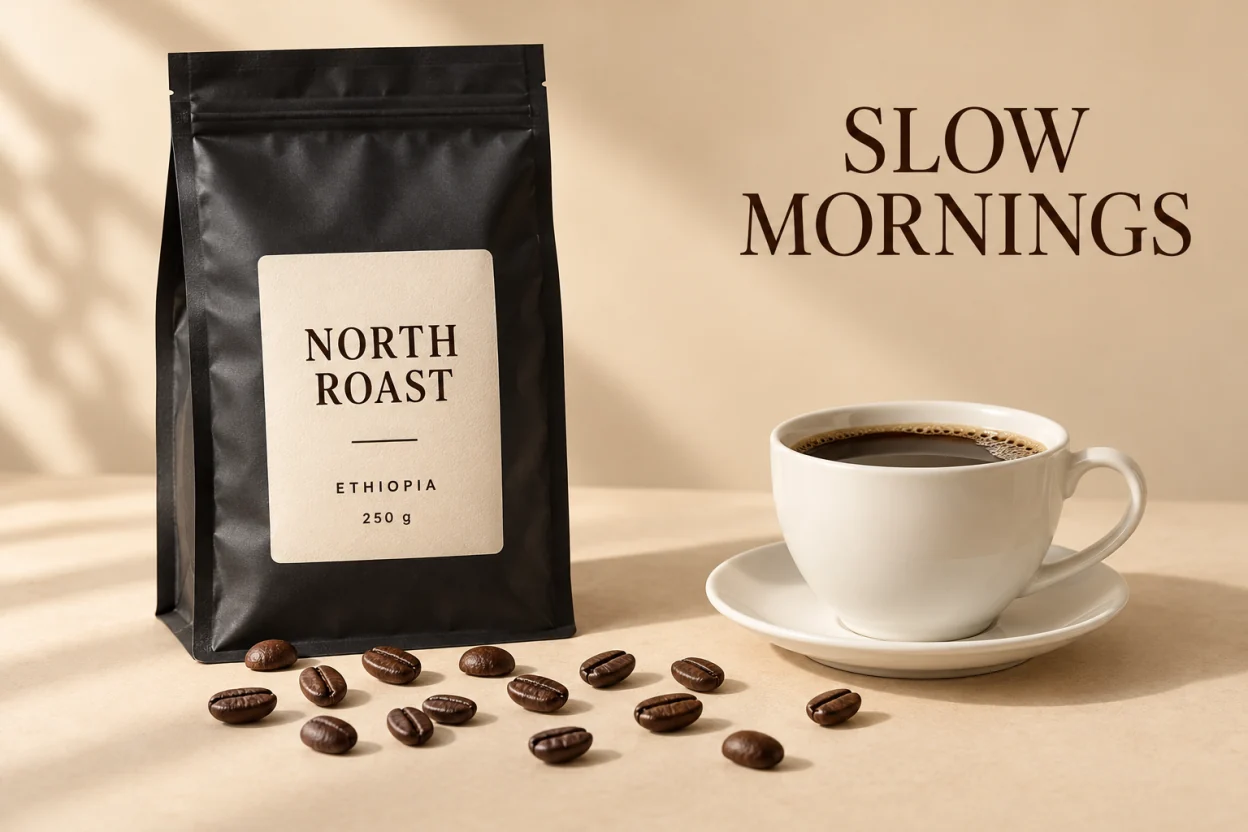
A coffee ad: the headline, the bag, the label, the cup and the beans came back as separate layers.
Image to PSD with layers
Unmerge turns a flat JPG, PNG or WebP into a layered PSD. Every element comes back as its own named, transparent layer, and the area hidden behind it is filled in, so you can move, hide or replace parts in Photoshop or Photopea.
Your image stays in this browser until you choose to separate it.
What is in the PSD
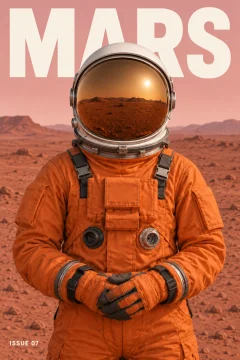
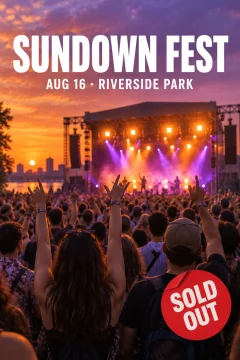
One raster layer per element, with the name and stacking order the model returned, plus a background layer with the hidden areas filled in. We opened the exported files in Photoshop and Photopea: every layer moves, hides and changes order on its own. Text and shapes come back as pixels, not as editable type or vectors.
Designs without a source file
It works on flat images whose layered file is gone: a JPG a client sent, a poster from a print shop, a screenshot of a layout, or a picture made with an AI image generator. The samples on this site were made with an image generator and split here.
What it costs
One image costs $1.90 without an account, with every layer returned, up to 17. With credits you pay one per layer returned, background included, and need 5 to start; the basic pack is $10 for 100. Pack credits never expire, and no subscription is needed. The samples are free: open them, hide or move layers, and download their PSD, PNG ZIP or PNG files.
How it works
Choose an image
A PNG, JPG or WebP up to 10 MB and 4 megapixels. It stays in your browser until you confirm the split.
Separate it
Leave the description empty to split the main elements, or say what you want separated. You are charged for the layers that come back.
Download
Check the layers, move or hide them, then download a layered PSD, a ZIP of transparent PNGs, or one layer as a PNG.
Real results
Each one is the model output for a flat image. Open it, hide a layer and download the files for free.

When not to use it
- You need the original Photoshop file back. A flat image does not contain it; these are new layers made from the visible pixels.
- You need editable text or vector shapes. Text and shapes come back as pixels.
- You need full resolution. Layers come back at about one megapixel, for example 832 × 1248, which can be smaller than your image.
- You need the hidden parts to be exact. Areas behind an element are drawn by the model, so they are plausible rather than recovered.
Questions
Can I convert a JPG to a PSD with layers for free?
You can open the samples and download their PSD files for free. Separating your own image costs $1.90 without an account, or one credit per layer returned if you have credits (you need 5 to start).
Does the PSD open in Photoshop?
Yes. We opened the exported PSD files in Photoshop and Photopea. Each element is a separate raster layer you can move, hide and reorder.
Will the text in my image be editable?
No. Each line of text comes back as its own layer of pixels, so you can move, hide or delete it, but not retype it. To change the words themselves, use Make It Say, a sister site from the same team. It redraws a line of text in the same style.
Can I turn a ChatGPT or Midjourney image into layers?
Yes. Any PNG, JPG or WebP works, wherever it was made. The samples on this site were made with an AI image generator and split here.
Do I need a subscription?
No. Packs are one-time payments and their credits never expire. Pro ($21 a month for 300 layers) is optional.
Updated: October 26, 2026