
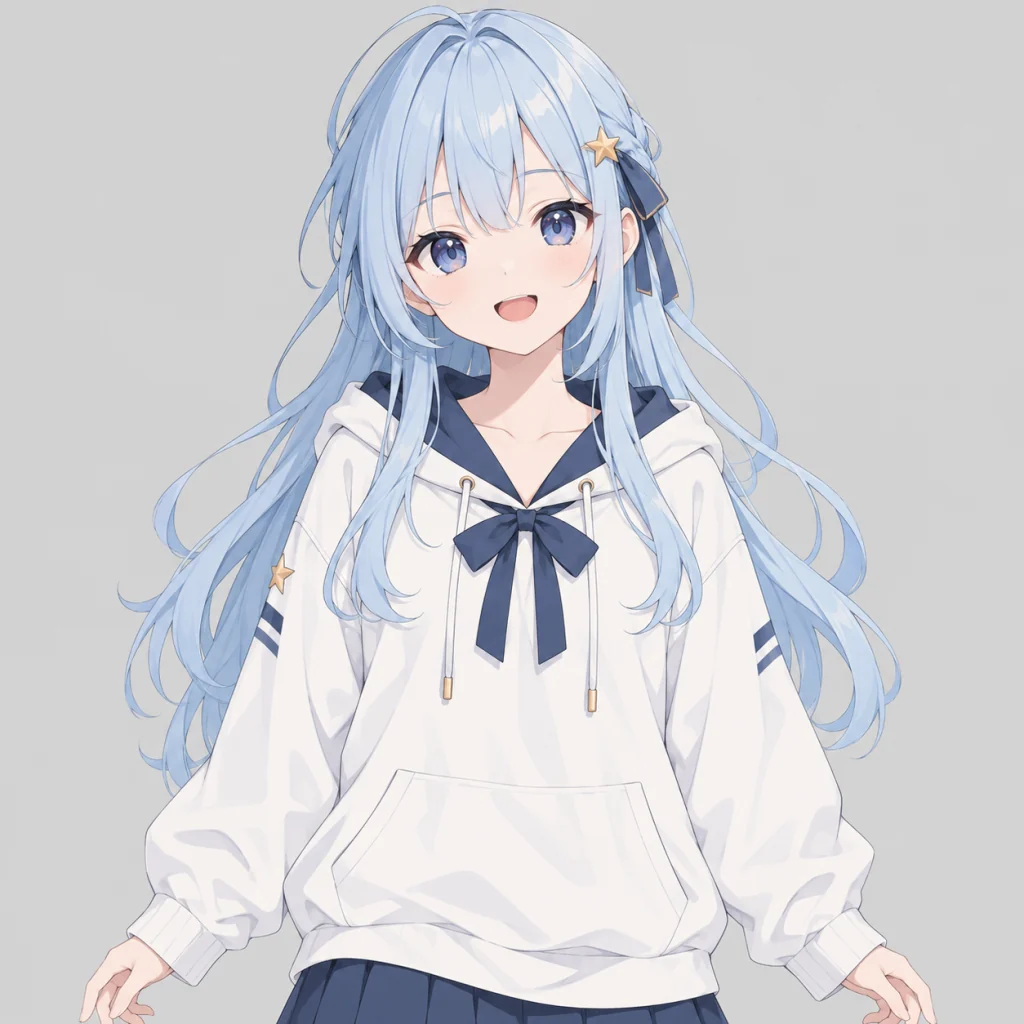
Front hair, back hair and face on separate layers. The back hair came back above the body: drag it below the body in the layer list.
Split a character into parts for Live2D or Spine
Choose Character parts, keep the parts your character has, and Unmerge returns each one on its own layer with the hidden areas filled in: the forehead under the bangs, the clothing under the arms. Drag the layers into the right order and export a layered PSD.
Your image stays in this browser until you choose to separate it.



Write the parts list
Without a list, a character comes back as one layer plus its accessories. Choose Character parts under the description box: it lists back hair, front hair, face, eyes, mouth, neck, body, arms, legs and accessories. Delete the parts your image does not have; a half-body image with legs on the list gets legs that are not there.
Fix the order by hand
The model sometimes puts the face above the front hair, or the back hair above the body. Drag the layer in the list, or select it and use Move up and Move down. The order you set is the order in the PSD and ZIP.
A starting point, not a finished rig
Parts are raster layers at about one megapixel, so small parts such as eyes and a mouth are only a few dozen pixels wide. Hidden areas are drawn by the model and can differ from your design. Expect to clean up edges and rename layers before rigging.
How it works
Choose the character
A front view on a plain background works best: half body for a VTuber model, full body for a game sprite.
Choose Character parts
Delete the parts your image does not have, or add the accessories you want on their own layers, then separate.
Reorder and export
Drag the layers into the order your rig needs, hide what you do not want, and download a layered PSD or a ZIP of PNGs.
Real results
Each one is the model output for a flat image. Open it, hide a layer and download the files for free.
When not to use it
- You need a model that imports straight into Live2D or Spine. The layers still need cleanup, naming and pivot points.
- You need small parts at full size. Eyes and mouths come back small.
- You need a clean background behind the character. In our character tests the background layer kept a copy of the character.
- You need the same parts every time. The same image can come back with a different set of parts.
Questions
Can AI split a character into Live2D parts?
It can split the main parts. In our tests with two original characters, a parts list returned back hair, front hair, face, eyes, mouth, neck, body, arms and legs on separate layers, with the hidden areas filled in. Layer order and some details needed fixing by hand.
Why is the face above the front hair?
The model decides the stacking order and sometimes gets it wrong. Drag the layer in the list, or use Move up and Move down. The PSD and ZIP follow the order you set.
Do I have to write a prompt?
Yes, for parts. Without one, a character comes back as one layer plus its accessories. Choose Character parts to start from a ready list.
What does a character cost?
One credit per layer returned, background included, up to 17. A character split into twelve parts plus the background costs 13 credits.
Updated: October 26, 2026