
Image to layers:
from one flat image
to movable layers.
Unmerge splits a flat image into named transparent layers, fills in what was hidden behind them, and exports a layered PSD.
Your image stays in this browser until you choose to separate it.

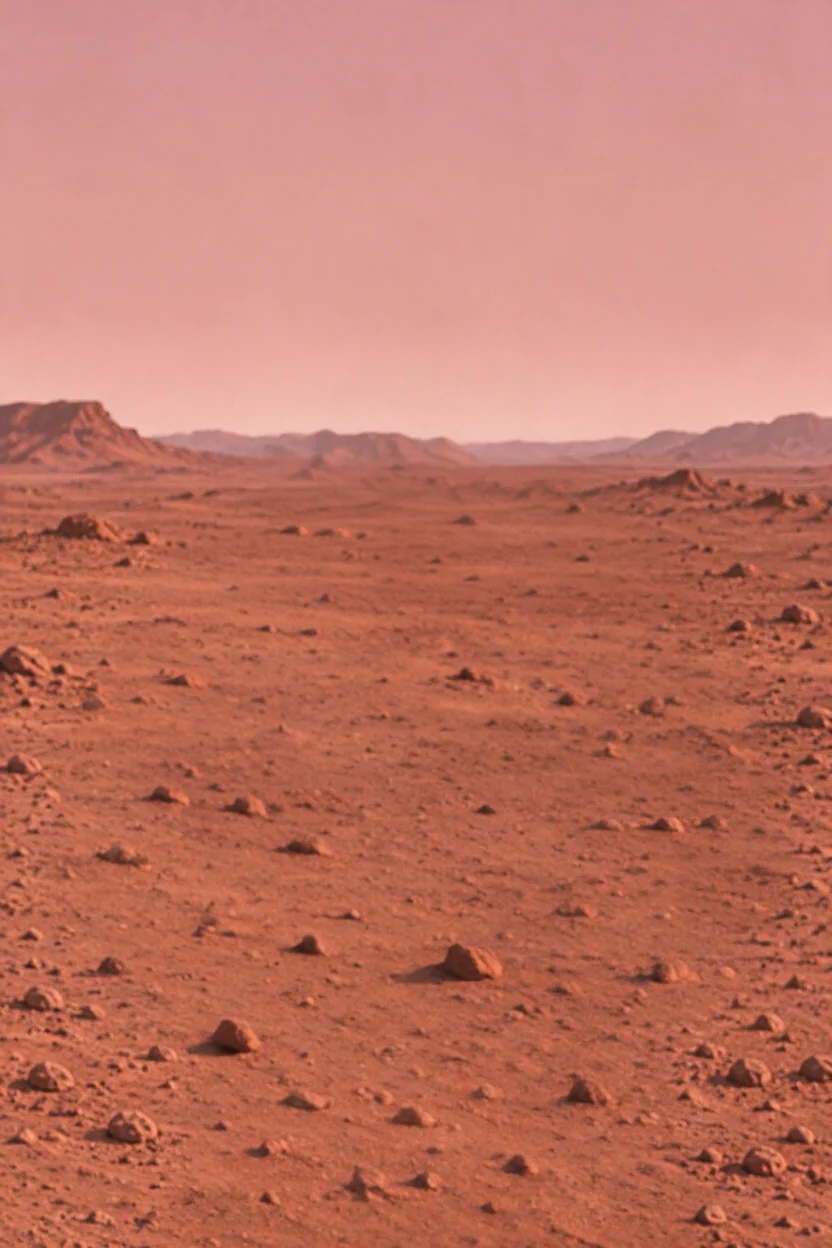 Background
 ISSUE 07 text
 MARS headline text
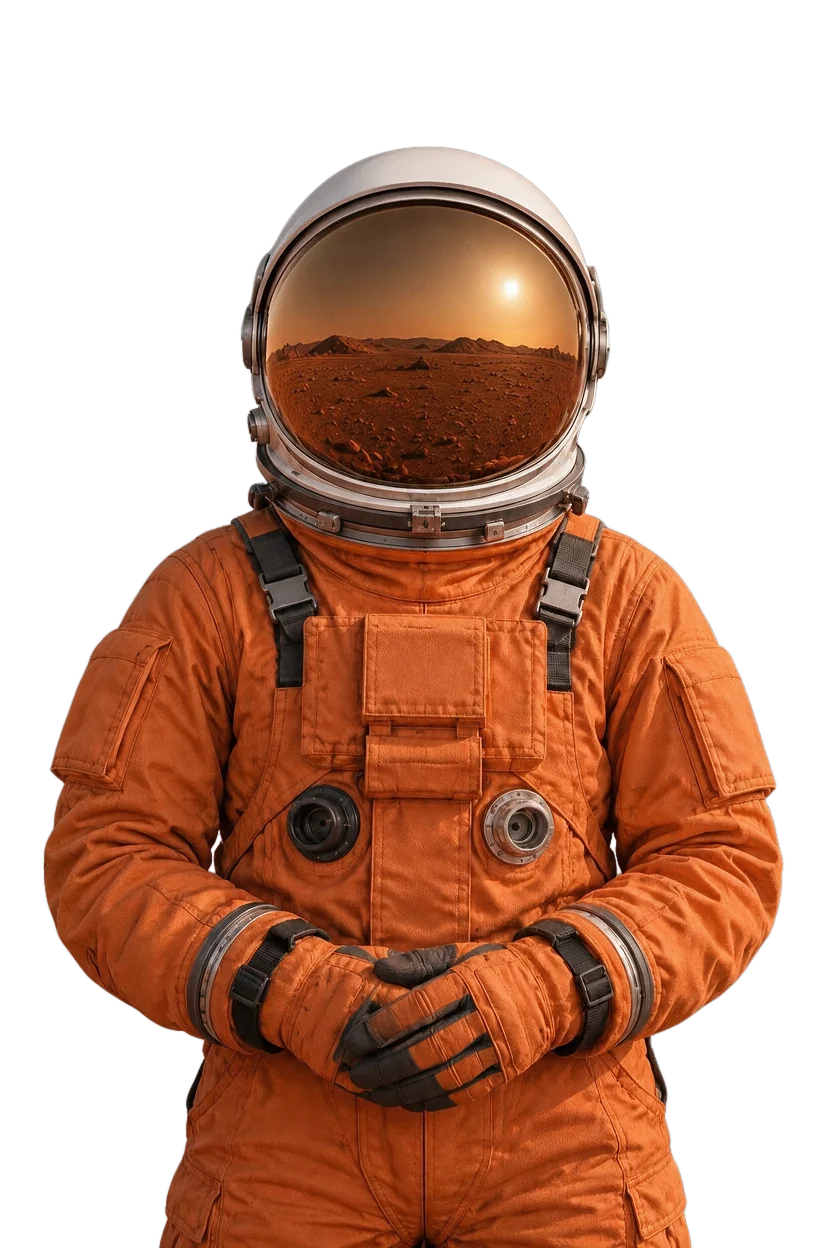 Astronaut main subject

- 1 flat image
- 4 named layers
- Move any of them
See what a layer can do.
Flat images, split by the model into named layers. Pick a layer, hide it, and look at what is behind.
Select a frame or a layer. Hide a layer to see what was filled in behind it.
Four things it does.
We ran our own test images through the layer model. This list has only what worked.

Hidden areas are filled in
Hide or move an element and the area behind it is there: the letters behind a helmet, the crowd under a sticker. Filled areas are generated.
Open the Mars cover
Text gets its own layers
Headlines, dates, and label text come back as separate layers you can hide or move. They are pixels, not editable type.
Open the coffee ad
Sheets split into single items
Nine stickers on one sheet came back as nine transparent layers, white borders included.
Open the sticker sheet
Every layer has a name and a place
Each layer comes with a name, a description, and its position on the canvas, in stacking order.
Open the flat layThe facts, one per line.
What Unmerge does and does not do, as of today.
- Input
- A PNG, JPG or WebP up to 10 MB and 4 megapixels. Sign in, choose an image, and confirm in the workspace; the image stays in your browser until you confirm.
- Samples
- Real results with 4 to 13 layers each, shown as the model returned them. Each one lists what the model changed.
- Output
- A layered PSD, a PNG ZIP of transparent layers, a composite PNG, or one layer as a PNG. Layers are raster images, returned at 1K or at 2K, your choice when you start; 2K is included in the Ultra plan.
- Each layer
- Has a name and a position on the canvas, in stacking order.
- Hidden areas
- Filled in by the model. They are plausible rather than recovered from the original.
- Text
- Comes back as separate layers of pixels, not as editable type.
- Price
- One credit is one layer returned, background layer included. A split returns up to 17 layers by default, or up to 100 when your description names or asks for more parts; you need at least 5 credits to start and you are charged for the layers returned. Layers at 2K cost 2 credits each, except on the Ultra plan. Starter pack $3.90 for 45 credits ($0.087 a layer); Basic pack $10 for 130 credits ($0.077 a layer); Pro $21 a month for 400 credits a month ($0.052 a layer), or $210 a year for 400 credits a month, 4,800 a year ($0.044 a layer); Ultra $36 a month for 400 credits a month with layers at 2K ($0.09 a layer). Pack credits never expire. Welcome credits, when granted to eligible new Google accounts in supported regions, expire after 30 days. Pro and Ultra credits are issued each month and unused ones expire at the end of that month. Samples and their downloads are free.
- Storage
- Images you separate and their layers stay on your account until you delete them. Demo edits and images you have not separated stay in your browser.
- Support
- support@unmerge.app
- Updated
- November 20, 2026
When not to use it
- You need the original layered file. A flat JPG or PNG does not contain one; Unmerge makes new layers from the visible pixels.
- You need editable text or vector shapes. Text and shapes come back as pixels.
- You need the hidden parts to be exact. Areas behind an object are generated, so they are plausible rather than recovered.
Ready for the
rest of your workflow.
One layered document or separate transparent assets.
All demo downloads are free.
Layered PSD
Keep every layer together.
PNG ZIP
Take the parts separately.
Composite PNG
Keep the visible result.
Before you unmerge.
Can I separate my own image right now?
Yes. Sign in, choose an image, and describe what to separate in the workspace, or leave the description empty. A credit is one layer returned; you need at least 5 credits to start (eligible new Google sign-ins in the US, Japan, and South Korea include 5 welcome credits for a 1K web split up to 5 layers), and the Starter pack is $3.90 for 45 credits ($0.087 a layer). The image is uploaded only when you confirm.
Can I turn a photo into separate layers?
Yes. Unmerge, an image to layers tool, splits a flat image such as a photo, poster or product shot into named transparent layers and fills in what was hidden behind them. Choose a PNG, JPG or WebP up to 10 MB and 4 megapixels and confirm in the workspace. Filled areas are generated and the model can redraw details, so results for your image will differ from the samples.
How is image to layers different from background removal?
Background removal cuts out one subject and discards the rest. Unmerge, an image to layers tool, returns every element it finds as its own named transparent layer, plus a background with the hidden areas filled in. You can hide or move any layer and export all of them as a layered PSD or a PNG ZIP.
How many layers does an image get?
It depends on the image, and the model decides: the real results on this site returned 4 to 13 layers each. A split returns up to 17 layers by default, or up to 100 layers when your description asks for or lists more parts, and you are charged one credit per layer returned.
What is inside the PSD download?
Samples and your own separated images export independent raster layers with their names, stacking order, and visibility. You can move each layer in a PSD editor. Text, shapes, and effects are not restored as native editable design objects. To change the words themselves, use Make It Say, a sister site from the same team. It redraws a line of text in the same style.
Does this recover the original Photoshop file?
No. A flat JPG or PNG does not contain its original design layers. AI layer generation creates a new layered document from the visible pixels; it does not recover the original source file.
What happens to areas hidden behind an object?
The layer model fills them in. In our samples it completed the letters behind an astronaut helmet and the crowd under a sticker. Filled areas are generated, so they are plausible rather than recovered from the original.
What sizes work?
Your own image can be a PNG, JPG, or WebP; small crops (64–511 px on the short side) are upscaled proportionally to 512 px and images over 10 MB or 4 megapixels are resized in your browser before upload. Layers come back at about one megapixel, for example 832 × 1248, so the result can be smaller than the original; choose 2K when you start to get about four megapixels. Samples export at 832 × 1248, 1248 × 832, or 1024 × 1024 pixels.
Are the sample results edited?
No. Each sample is the model output for one flat image. Layer names, order, and positions are shown as returned, and each sample lists what the model changed, such as redrawn details or a layer placed in the wrong order.
Are downloads free?
Demo PNG, PNG ZIP, and layered PSD downloads are free. Exporting layers from an image you separated costs nothing extra: you pay for the layers when they are returned.
Can I get a refund?
There is no refund button in your account. Within 7 days of a payment, including a subscription renewal, you can email support@unmerge.app from the address on your account and tell us what went wrong. We review each request and reply by email. A refunded subscription payment also ends the subscription.
Where are my projects stored?
Demo edits and images you have not separated stay in this browser on this device. Images you separate, and their layers, are stored on your Unmerge account until you delete them. Submitted descriptions are kept for 30 days to investigate problems. You can delete a project from My projects at any time.
What is a credit and how much does a split cost?
One credit is one layer returned, background layer included. A split returns up to 17 layers by default, or up to 100 when your description names or asks for more parts; you need at least 5 credits to start and you are charged for the layers returned. Layers at 2K cost 2 credits each, except on the Ultra plan. Up to that limit (17 layers by default, up to 100) of your balance is held while the model works, and the part you did not use goes back. If the model fails or returns nothing, nothing is charged.
What if the model returns more layers than my balance covers?
The credits that were held are used, and the project waits for the difference. You see the number of layers, their names and positions, but the layer files are not available until you add the missing credits; then only the difference is charged. Credits already charged are not returned if you do not add the difference.
Do credits expire?
Pack credits never expire. Welcome credits, when granted to eligible new Google accounts in supported regions, expire after 30 days. Pro and Ultra credits are issued each month and unused ones expire at the end of that month. The yearly plan is paid once a year and issues 400 credits each month; they do not add up.
How do I cancel Pro?
Open Account, then Billing, then Manage subscription. You can cancel at any time: the plan stays active until the end of the period you paid for and does not renew. The current period is not refunded.
